A slick proposal doesn’t prove a contractor is licensed for your job. This step-by-step CSLB guide shows you how to look up a California contractor license, which fields to check (status, classification, bond, workers’ comp), and how to save a dated record before you sign or pay.
How to Check a California Contractor License: CSLB Steps
A professional proposal, referral, or polished website does not prove that a contractor is properly licensed for your project. A guide to How to Check a Contractor's License in California (CSLB Step-by-Step) helps you compare the contractor’s claims with the official state record before signing or paying.
The steps below show what to search, which fields matter, and how to document the results.
Why a CSLB License Check Comes Before You Sign
The California Contractors State License Board (CSLB) maintains licensing records for contractors working in the state. Checking that database helps you distinguish a licensed contractor from an unlicensed contractor or a company using another business’s license number.
A lookup can verify information, including complaint disclosure, and CSLB recommends reviewing its Hiring a Contractor page before hiring a contractor or signing a contract. Pair it with written contract review, references, insurance documents, and the requirements of your specific project.
What the Official Record Can Confirm
The record may show the legal business name, entity type, license status, license classification, issue and expiration dates, bond information, workers’ compensation status, and public disciplinary history. Review any bond issue, workers’ compensation gap, or restriction that appears.
The business and the name of a person on the license must connect to the company named in the proposal. A similar name is not enough.
Get the Details Before You Search
Ask the contractor for a license number first because it provides the most precise search. Also collect the exact business name on the proposal, the signer’s name, the project address, and the trade or scope being performed.
Never accept a license number without confirming who owns it. The record should match the contracting party, not merely a related individual, former employer, or similarly named company.
Use a Name Search When You Do Not Have a License Number
The CSLB search also accepts a business name or the name of an individual associated with a license. Try meaningful variations if punctuation, abbreviations, or entity endings differ.
Open the likely result and confirm the complete legal name and other identifying details. Do not guess based on the first similar listing.
Check a California Contractor License Step by Step
Use the state database for the initial check and again at important decision points. Save or print the dated record before contract signing, payment, or a new phase of work.
1. Open the Official CSLB License Lookup
Go directly to the CSLB Check a License or HIS Registration page. An HIS is a home improvement salesperson.
Do not rely on contractor directories, old screenshots, or search-result snippets when the current state record is available.
2. Search by License Number or Exact Name
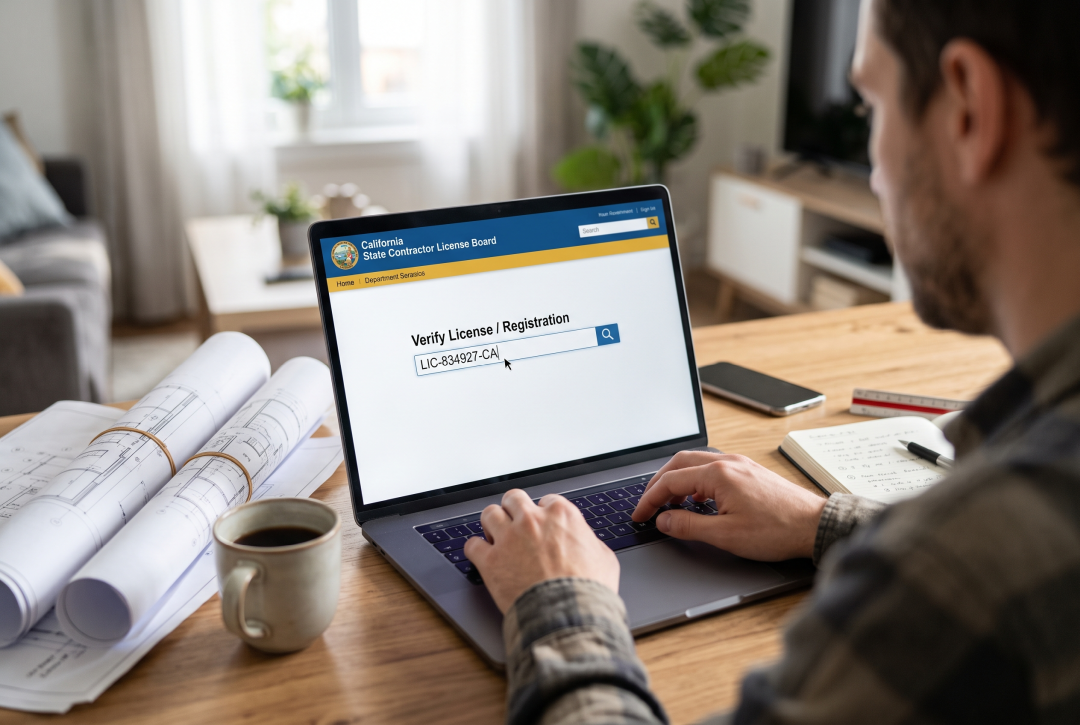
Enter the license number whenever possible. Otherwise, search using the legal business name or qualifying individual’s name, then open the matching record.
Confirm that you are reviewing a California license for the contractor involved in your project. Contractors operating elsewhere may have records from other licensing jurisdictions that do not establish California status.
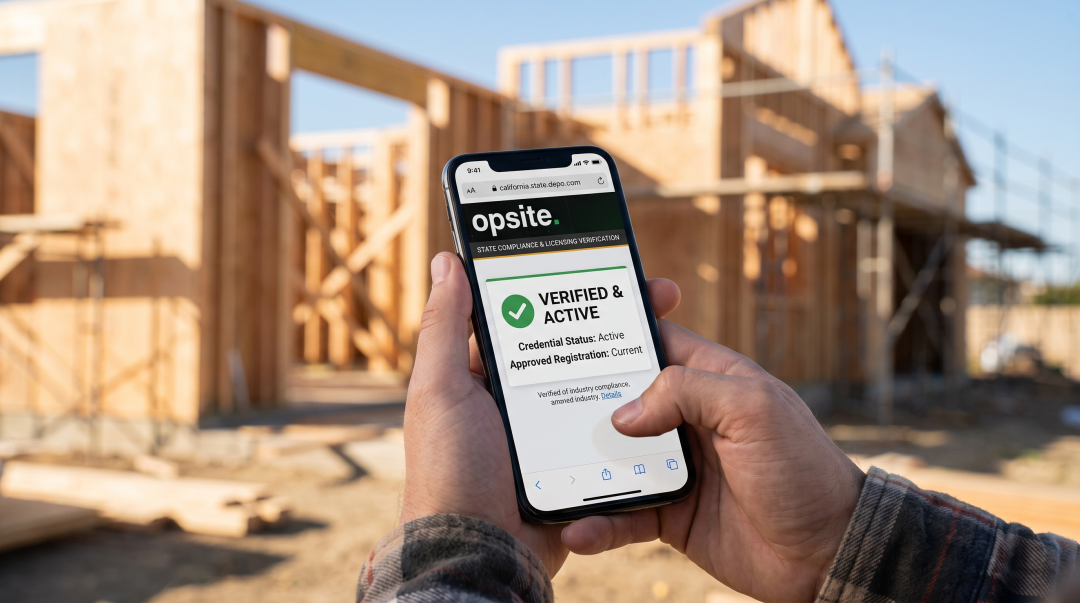
3. Confirm the License Is Active and Matches the Proposal
Check that the license is active, then compare the legal business name and entity type against the proposal, contract, invoices, and payment instructions. All records should identify the same contracting party.
An inactive status, suspended license, business-name difference, or license belonging to another company is a stop-and-resolve issue. Ask for corrected documents or a clear explanation before signing or releasing money.
4. Match the Classification to the Work
An active license does not automatically cover every trade. Compare the listed classification with the work being contracted using the CSLB’s licensing classifications.
For example, C-33 is the painting and decorating classification. A classification mismatch matters because the license may be active while failing to cover the proposed scope.
5. Review Bonds, Workers’ Compensation, and Actions
Read the bond and workers’ compensation fields, including effective dates and reported gaps. Review any disclosed disciplinary, suspension, or legal-action information before proceeding.
Workers’ compensation information in the lookup does not replace a current certificate of insurance when your contract or job requires one. Obtain the relevant documents and verify them through the appropriate insurance contact.
Read the Record for Your Specific Project
A license check is not simply pass or fail. The record must support the exact contractor, classification, scope, and contracting party involved in the job.
For general contractors qualifying subcontractors, place the dated lookup and supporting documents in the compliance file. An informal text saying that a license is current is not a reliable project record.
Example: An Active License With a Name Mismatch
Suppose a proposal comes from “Bright Build Renovation,” but the lookup returns a different legal business or an individual with no documented connection to that company. Pause payment and request a corrected proposal or documents explaining the relationship.
Do not assume that a shared owner, employee, phone number, or trade name makes the records interchangeable.
Keep a Verification Trail
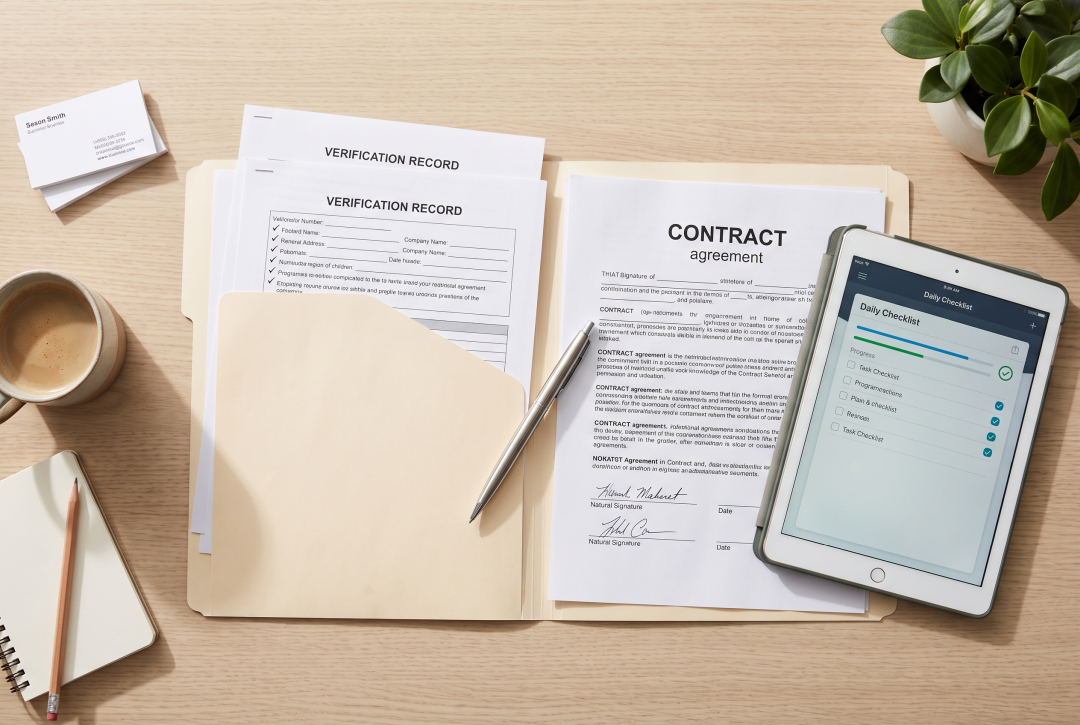
Record the search date, license number, status, classification, business name, documents reviewed, and unresolved questions. Keep that information with the subcontract, proposal, or project compliance records.
Recheck before major draws or when work restarts after a long pause. License, bond, and workers’ compensation records can change during a project.
Common License Lookup Mistakes to Avoid
Avoid these frequent verification errors:
- Searching only by trade name and accepting the first similar result.
- Treating active status as proof of every insurance coverage required by the contract.
- Ignoring a classification mismatch, expiration, disciplinary entry, or name discrepancy.
- Sending payment to a party that differs from the licensed business without resolving the difference.
- Reusing an old screenshot instead of checking the official record at the decision point.
- Assuming a valid license replaces references, contract review, permits, or job-specific compliance checks.
The CSLB’s consumer hiring guide provides additional steps for evaluating a contractor before work begins.
The Bottom Line
Verify the exact business name, active status, proper classification, bond information, workers’ compensation field, expiration details, and disclosed record issues. Then preserve the dated result with the documents supporting your hiring or subcontractor decision.
Careful documentation helps homeowners and general contractors prevent avoidable compliance, contracting, and payment disputes.
Frequently asked questions
How Do I Look Up a Contractor's License in California?
Use the official CSLB Check a License lookup and search by license number whenever possible. Confirm that the legal business name, active status, classification, and other record details match the proposal.
How Much Work Can You Do Without a Contractor License in California?
California generally requires a contractor license when the combined labor and material cost is $1,000 or more, subject to applicable exceptions and restrictions. Review current CSLB guidance before relying on an exemption.
What Information Can I Verify Through the CSLB License Lookup?
Information, workers’ compensation details, expiration information, and reported public actions. A license appearing in the database may still be inactive, expired, or suspended, so read the current record carefully.